26-Q2-S1 04/23/26
Bulletins Text Notification (Feature Flagged)
Organizations can now send Bulletins via SMS text notifications in addition to email. SMS notifications are billed at $0.11 per text message. This feature requires a contract amendment prior to enablement and is configured at the organization level by the Baldwin team.
Form Submissions
Forms that start from a flight now also present all hazards that are associated with those flights.
Users can now narrow down dropdown results by typing.
ASAP Dashboard
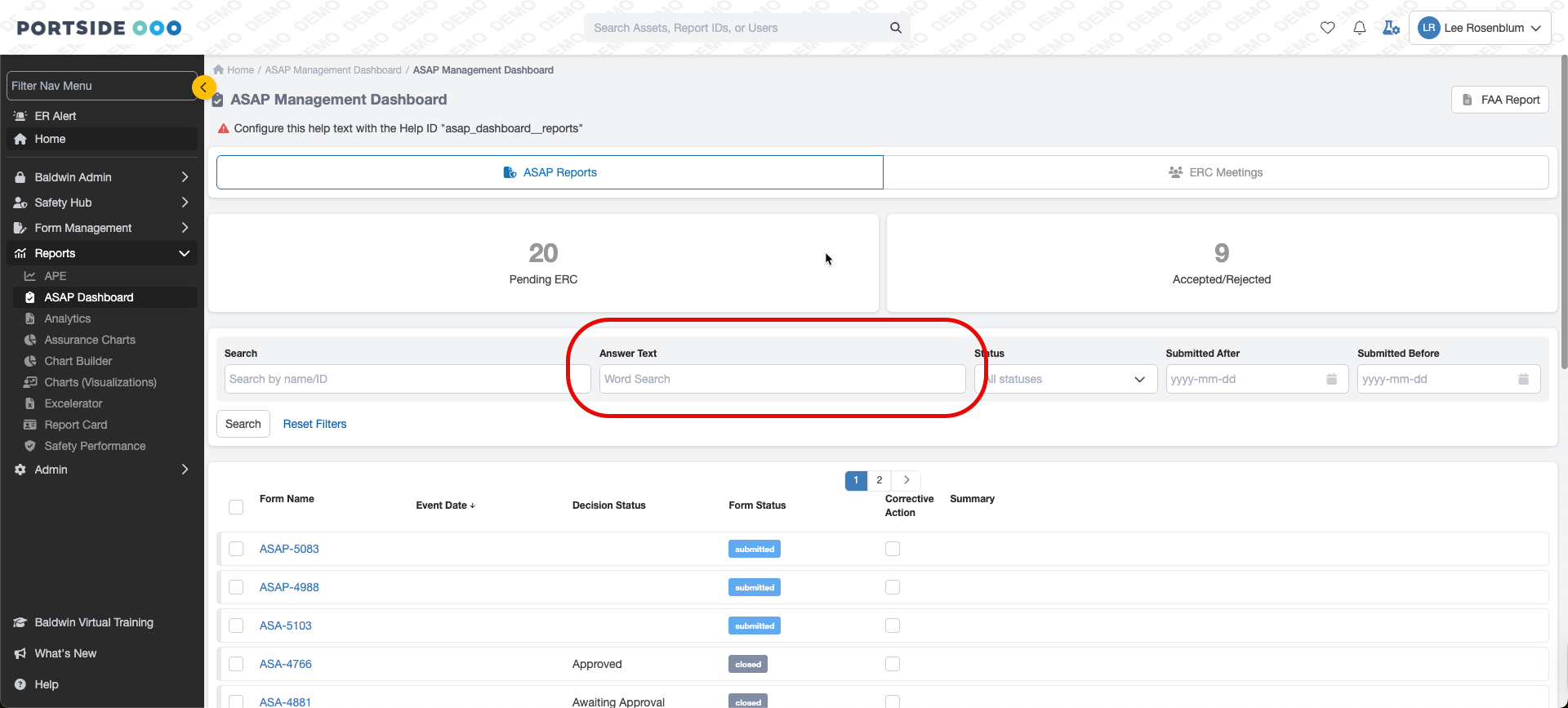
We have added a free-text search for answers within a form.
In-App Announcements
We have redesigned the announcements.
External Users (Feature Flagged)
You can now define an external email list and send the submitted form as PDF files.
Related Articles
Baldwin Blog Articles
Explore our latest blog articles to learn more about safety management, best practices, and industry insights. Click here to stay informed and enhance your organization’s safety culture.View NOTAMs on Form Submissions
How does it work? When an airport is selected via the airport picker field in one of your Baldwin forms, you have the option to have important NOTAM information displayed. To incorporate NOTAMs on your airport picker fields in your RA(s), contact ...Reactivate user
Who Can Use This Feature? Only users assigned to the Client Administrator role have access to this feature. How to Reactivate a User Go to the main Users Index page. In the search field, enter the user’s name and change the status dropdown to ...Adding BaldwinSafety.com to Your Home Screen
Here’s how you can add BaldwinSafety.com to your phone’s home screen for easy access: On an iPhone (Safari Browser) Open Safari and go to baldwinsafety.com. Tap the Share button at the bottom of the screen (it looks like a box with an upward arrow). ...View Airport Information (Station) on Form Submissions
How Does it Work? When an airport is selected via the airport picker field in one of your Baldwin forms, you have the option to have airport station information displayed. To incorporate the airport information fields in your RA(s), click here to ...